
Our exclusive Easyflight Training App offers you an innovative learning experience with artificial intelligence. Simply purchase products in our shop and access your learning modules through our app.
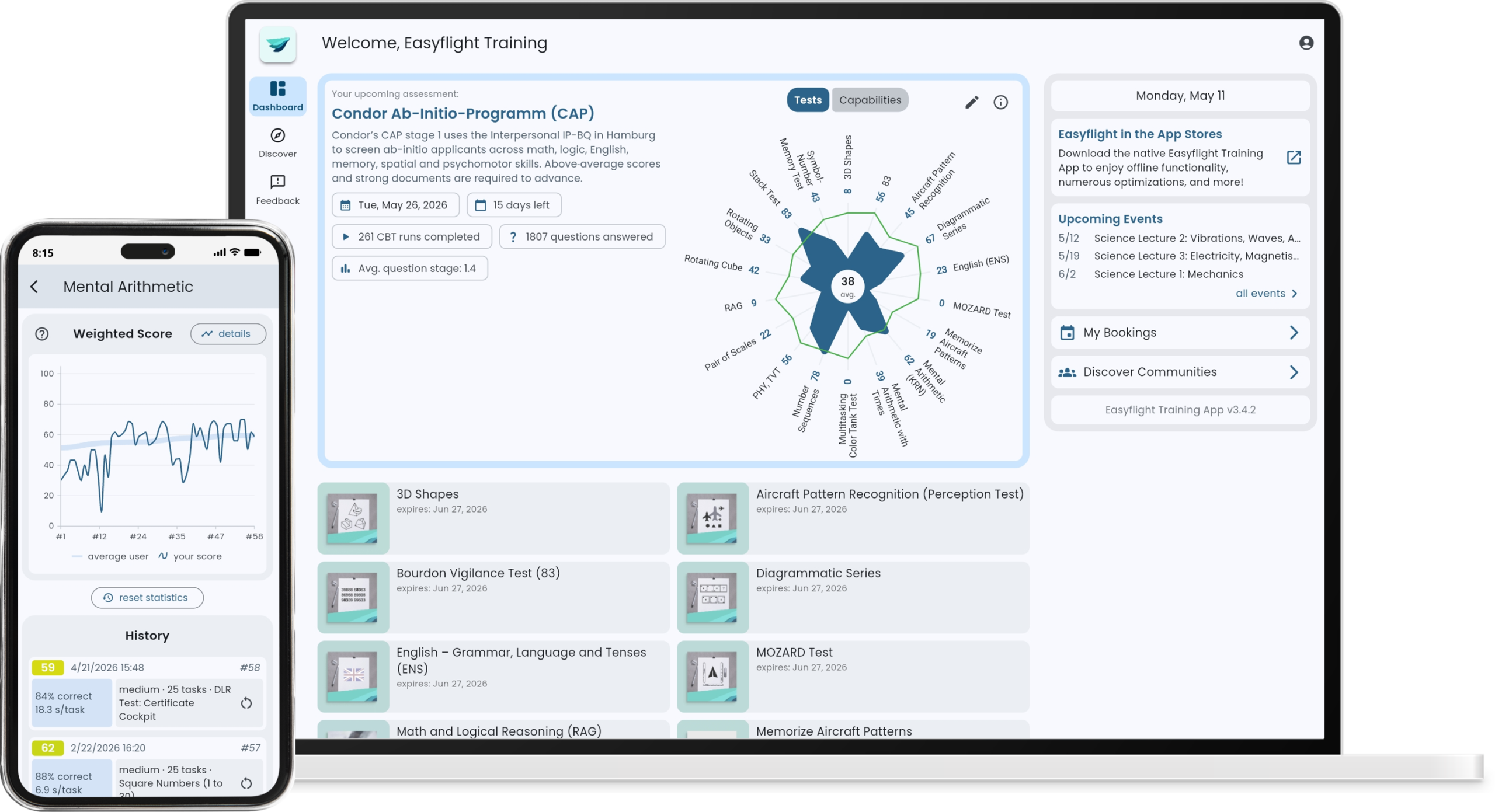
Your best learning companion
We can proudly say: Our app will be your best friend for the best possible airline assessment preparation. Be prepared and gain a competitive advantage. Start with your training now!


1,219,277
total training runs
135,759
training runs in last 30 days
1,261
active users in last 30 days
Specialized products with quality above quantity, preparing you in the most tailored way
Multilingualism for the best possible international learning outcomes
Train anywhere, anytime, any device – on the web, and through our native apps w/ offline functionality
Individual learning settings with pre-sets and guided learning paths
Track your learning success and anonymously compare to other students
Community-driven with our extensive FlightGroups partnership
We love to hear your feedback – that’s reflected in our regularly updated app and contents
AI-driven learning experience with smart guidance and explanations
Compatibility Notes
Recommended and best-supported execution of the Easyflight Training App for each device type:
| Device | Execution |
|---|---|
| Windows | Google Chrome, Microsoft Edge |
| macOS | Google Chrome |
| iPhone, iPad | Native app, alternatively Apple Safari |
| Android | Native app, alternatively Google Chrome |
Our web app can be accessed through your web browser: https://easyflighttraining.app
Supported hardware peripherals
Some digital products require additional hardware (e.g. joysticks, mouse, keyboard). These are not included and must be purchased separately. Information can be found on the respective product pages.
Our product recommendations:
This listed hardware is recommended and supported by our Easyflight Training App. Please note that we have chosen a generic implementation approach in order to support as much hardware as possible without the need for driver installation. If in doubt, please contact us before purchasing.
We recommend performing a hardware compatibility test before purchasing, taking into account the same configuration as that of the later version of our Easyflight Training App:
Limitations
- When using Safari on macOS, external hardware might not be recognized correctly. We recommend using Google Chrome instead.
- External hardware is generally not supported on mobile devices (smartphones, tablets).
- Using the “Monitoring and Instrument Coordination (MIC)” module on iOS/iPadOS is not recommended, as the auditory task might not work reliably.
For the best possible experience, we recommend using our native apps on mobile devices and our web app on laptops and desktop computers.
